 DirectConnect
DirectConnect
 DirectConnect
Superfast file transfers over USB-C
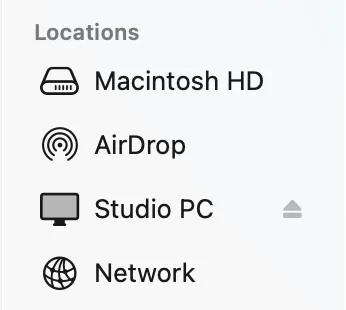
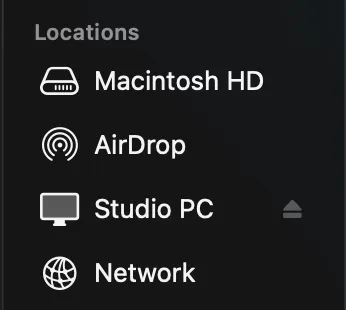
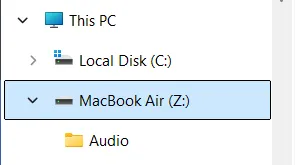
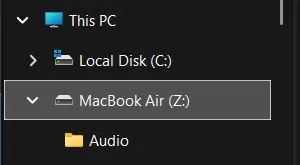
Connect two computers and they'll show up in Finder or Explorer, just like a USB drive. No network sharing configuration. No external drives.
For Mac, Windows and Linux, in either direction.
Needs Thunderbolt or USB4 on both computers
Minimum requirements
- macOS 26 or later, or Windows 11.
- Linux: Ubuntu 24.04, Fedora 40 or another distribution of the same age or newer, on x86-64.
- Thunderbolt 3 or newer, or USB4 ports on both computers. If there’s a lightning bolt icon next to the port, you should be good to go.
- A Thunderbolt or USB4 cable is recommended. A USB-C data cable will work as well, but at up to 10 Gb/s.
- DirectConnect installed on both computers.
- After the trial, at least one computer needs a licence.
Get started with a 14-day trial and experience fast, hassle-free file transfers between your computers.
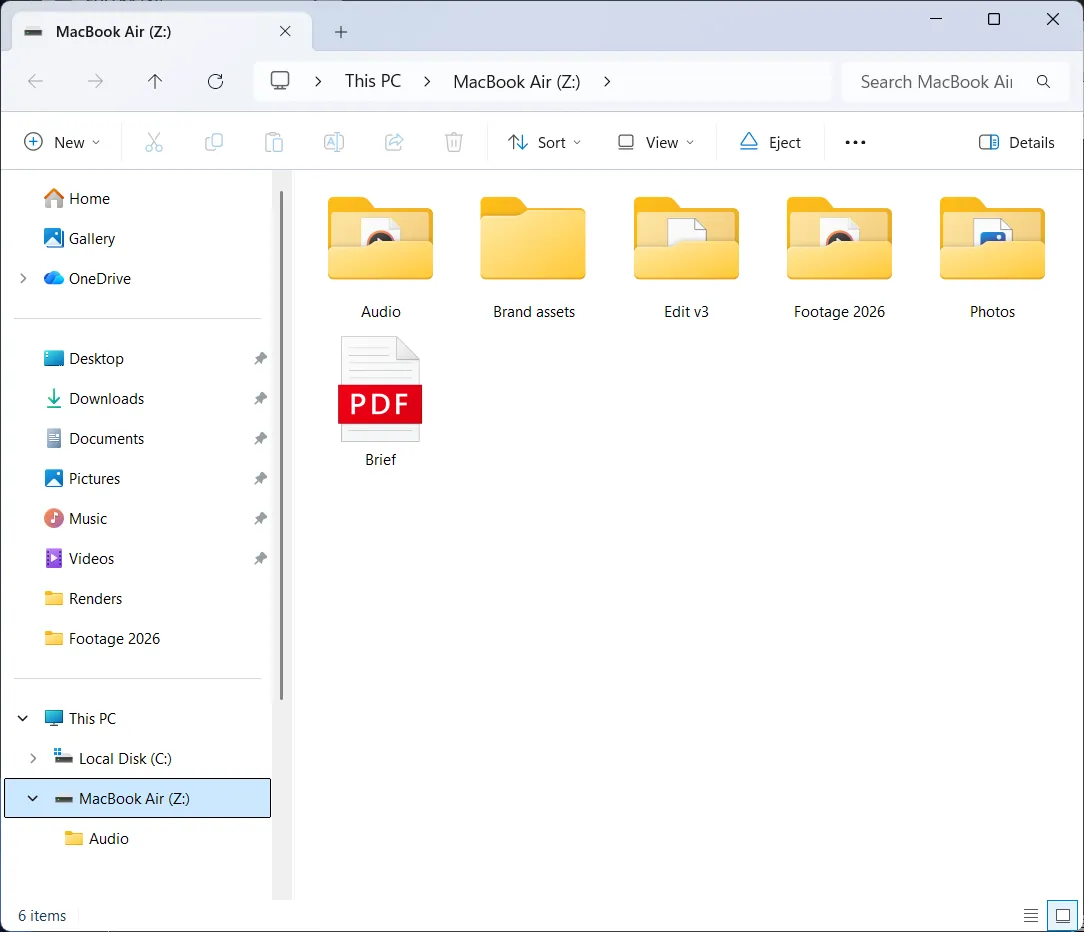
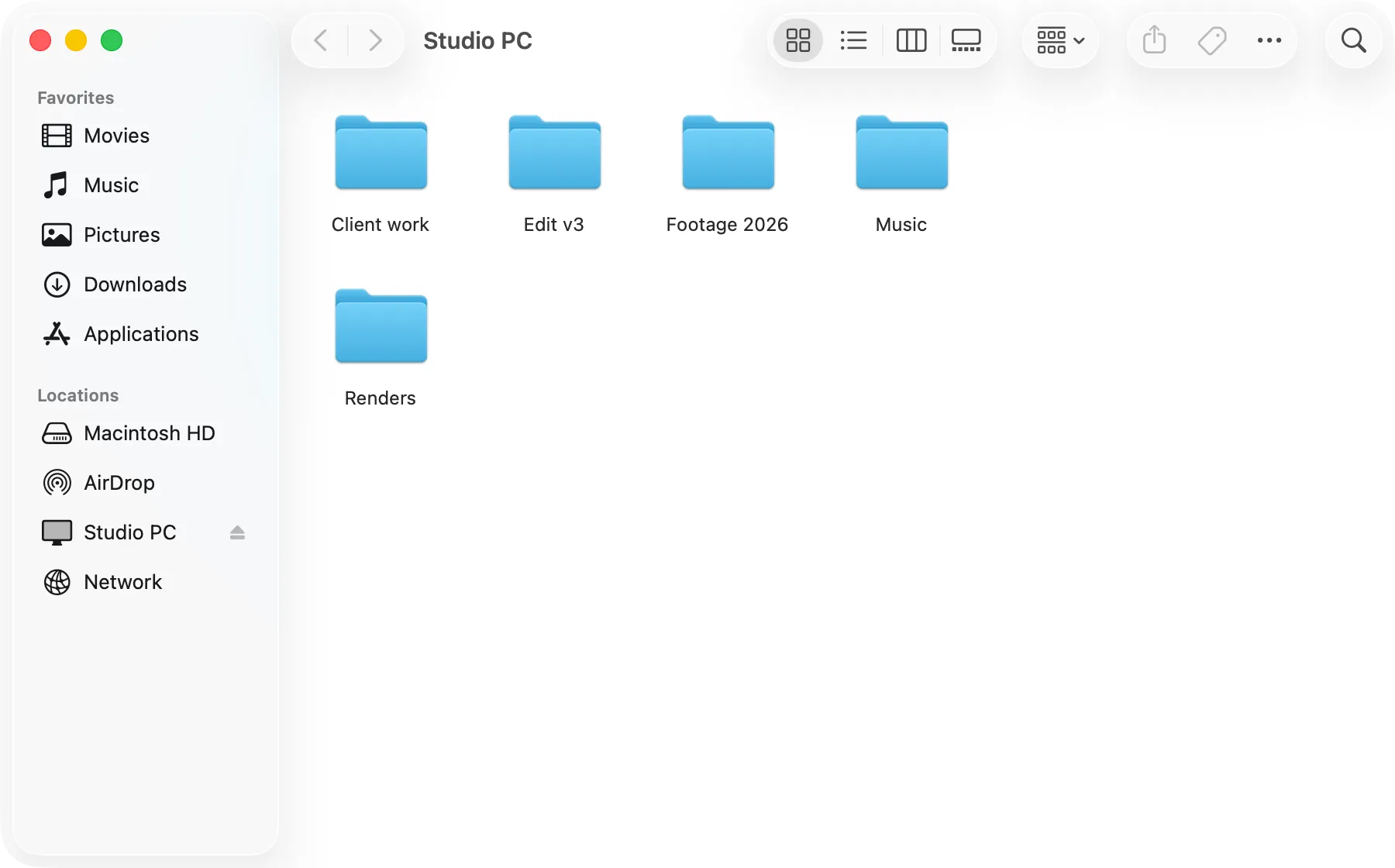
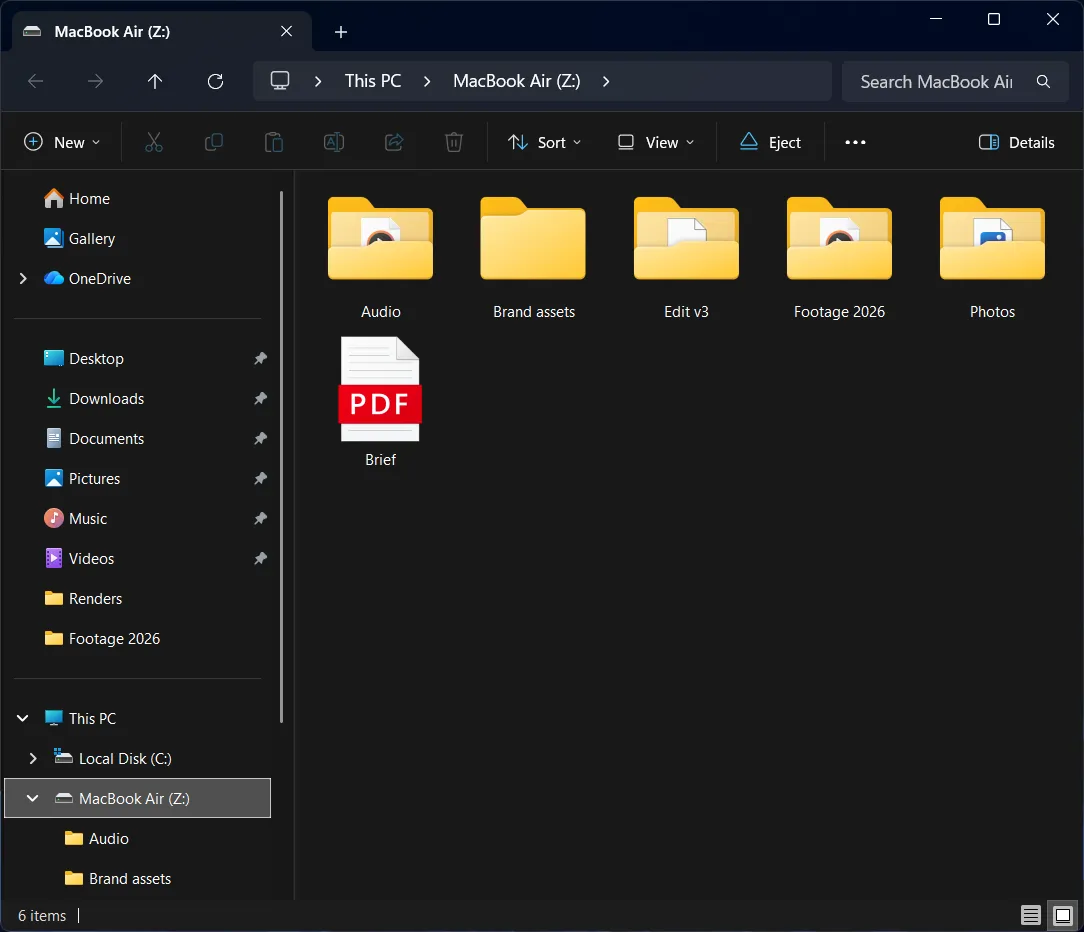
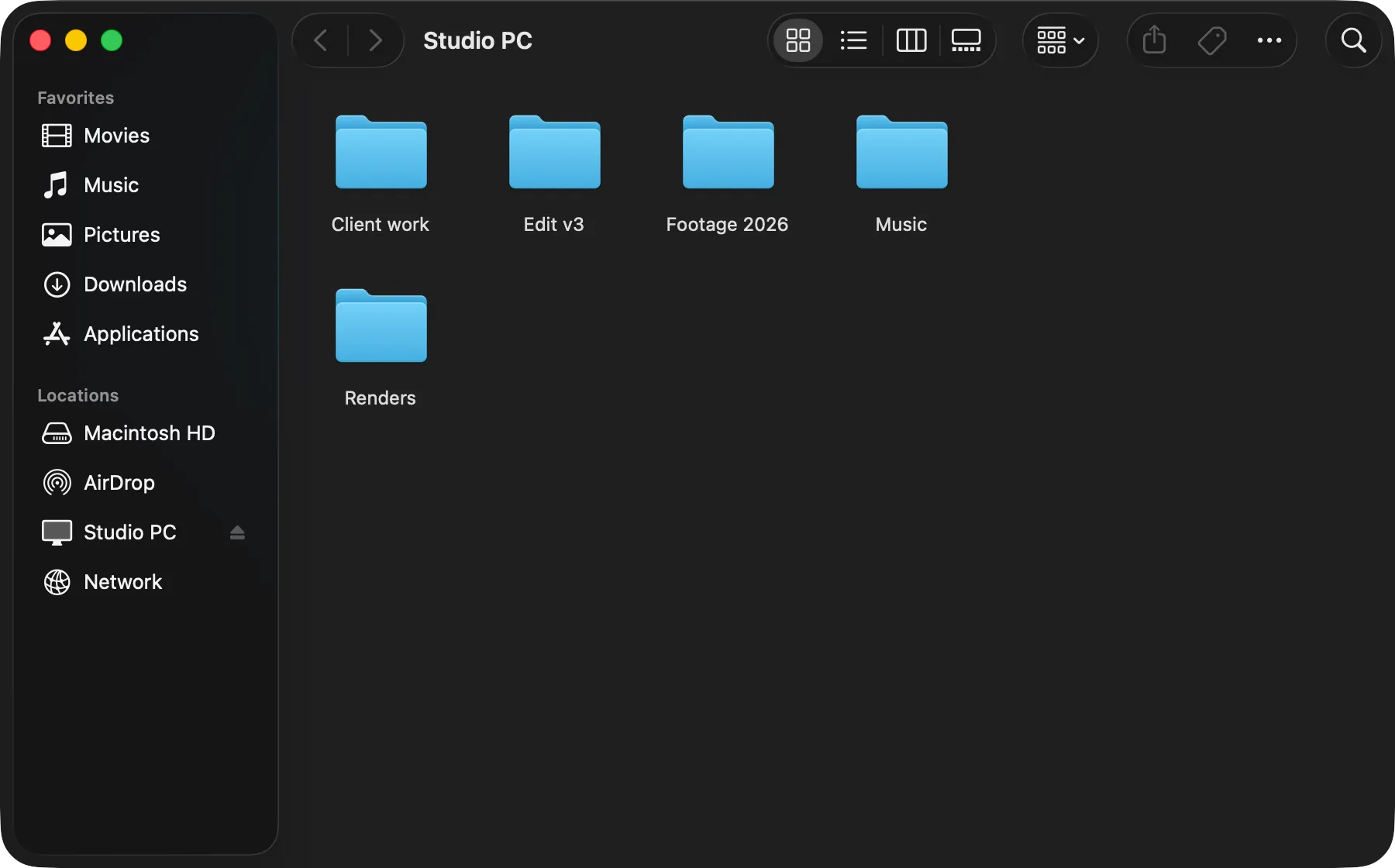


Connect, Browse, Copy.
No network sharing settings, no internet, the fastest way to transfer files.
Connect
Download the app, plug in the cable, and the computers will see each other.
Browse
It opens in Finder or File Explorer, like a USB drive.
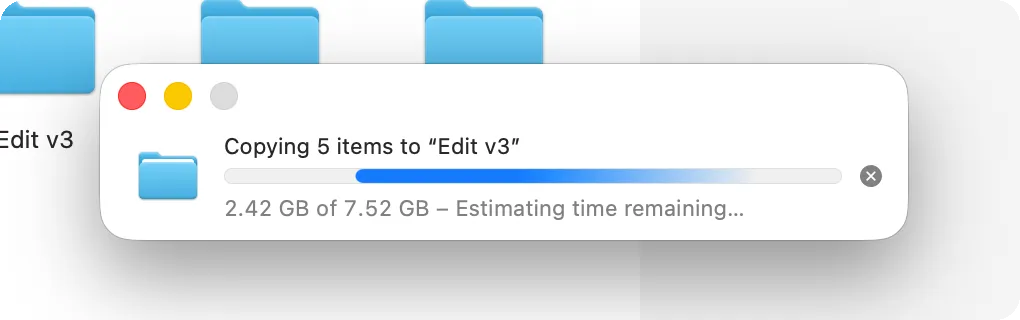
Copy
Drag files across, in either direction.